Steps to Verify a Webhook in Jotform
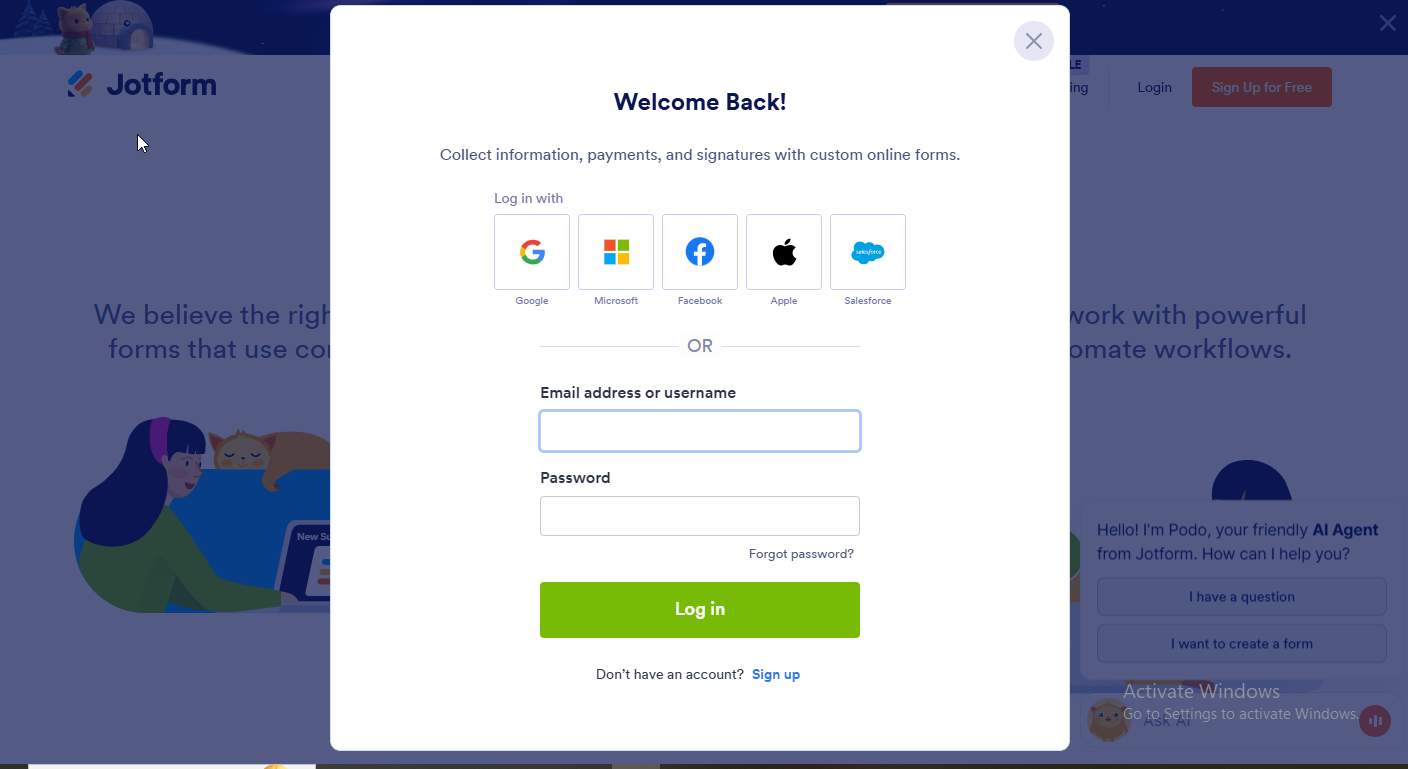
Step 1 Log in or Sign in to your Jotform Dashboard.
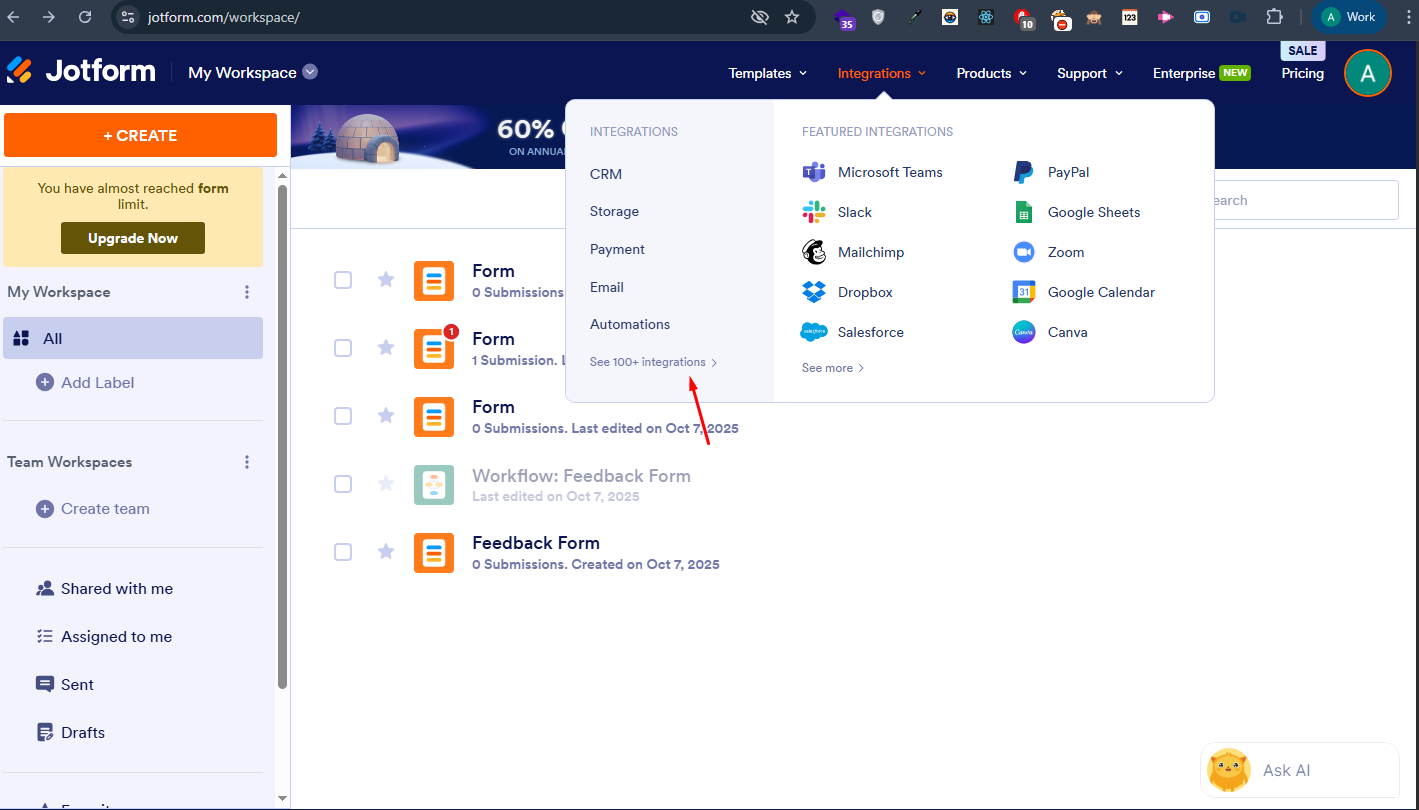
Step 2 Go to Integrations from the top sidebar
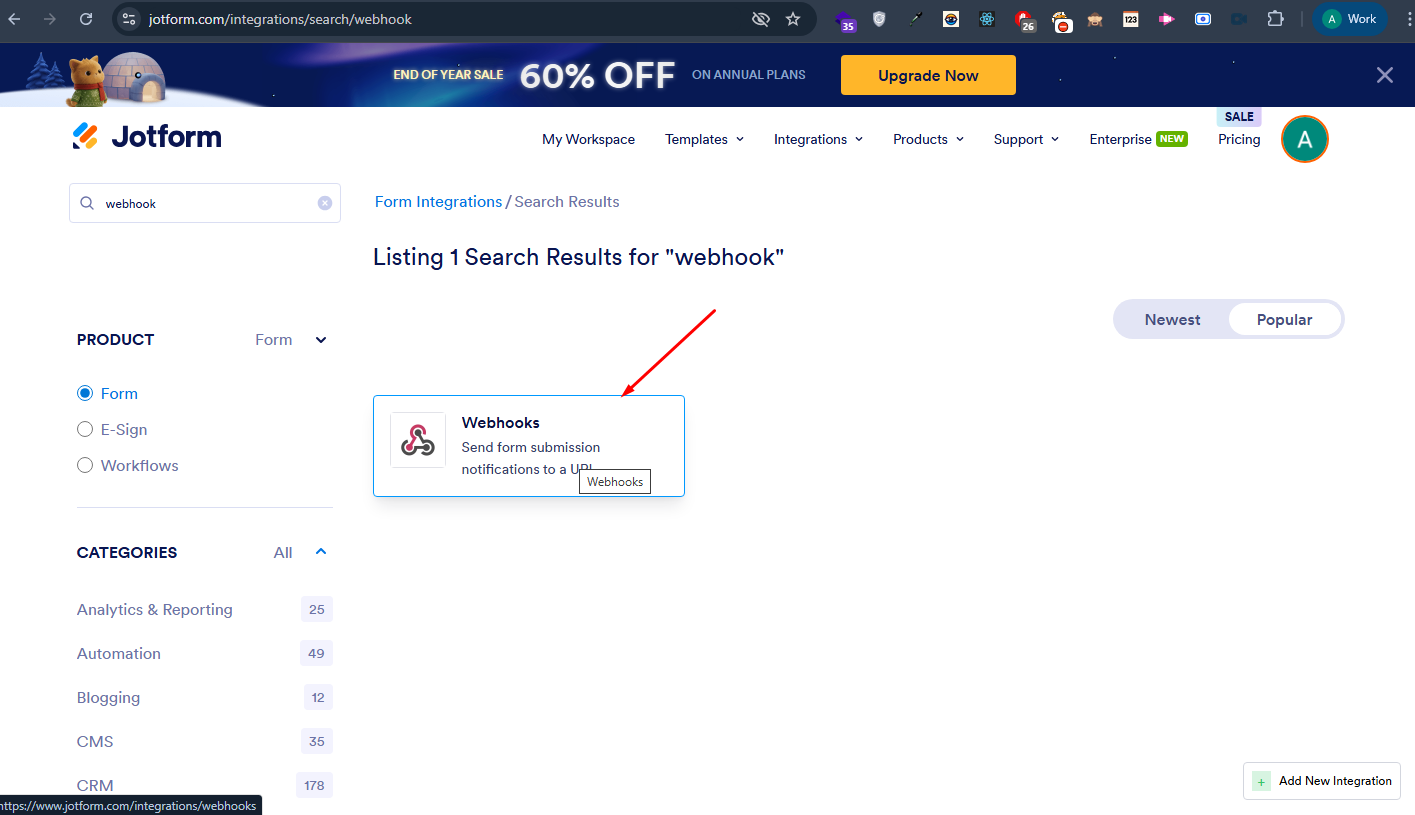
Step 3 Search for Webhook in search bar
Step 4 Click on the Webhook section once you find it.
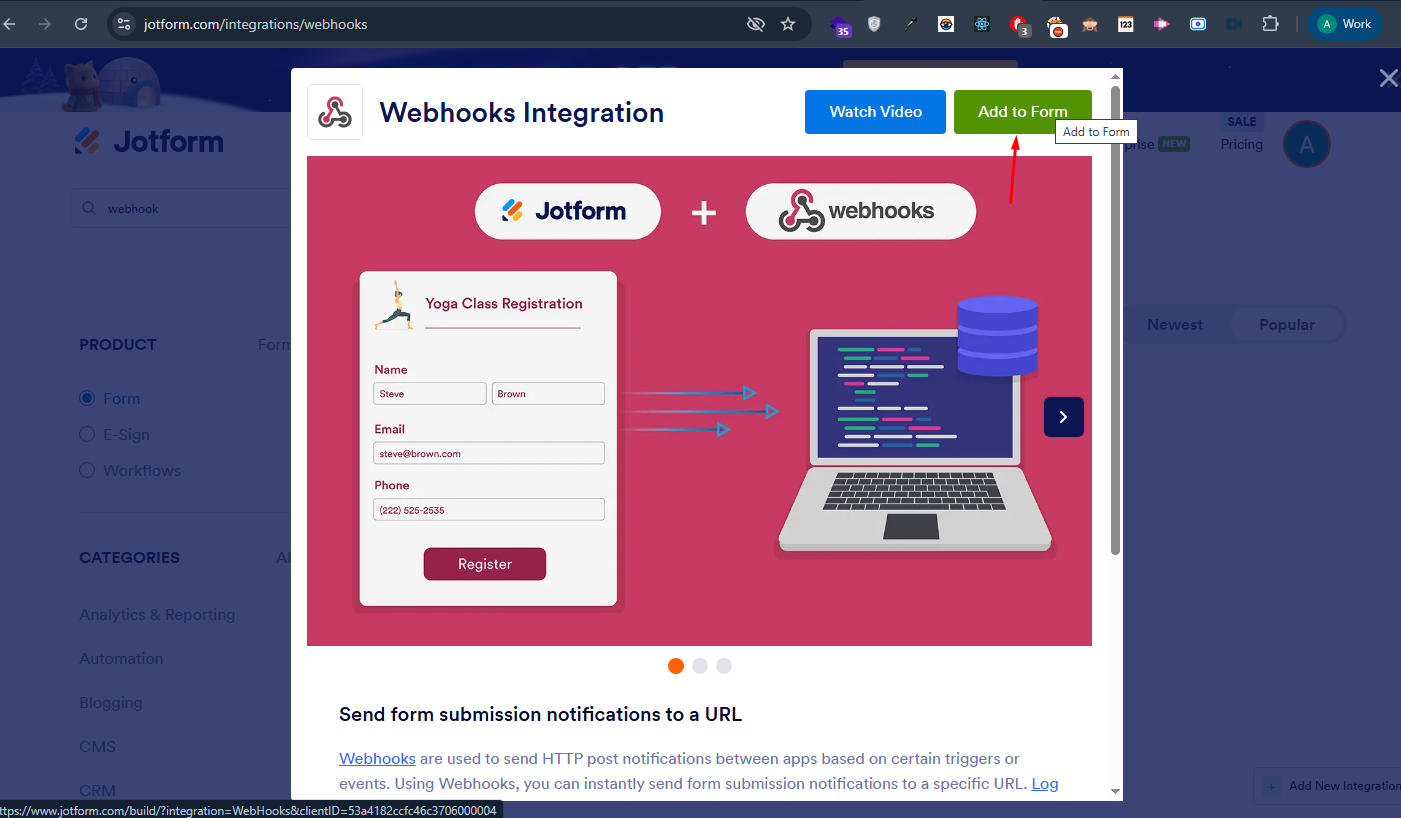
Step 5 A new popup screen will appear, click the “Add to Form” button.
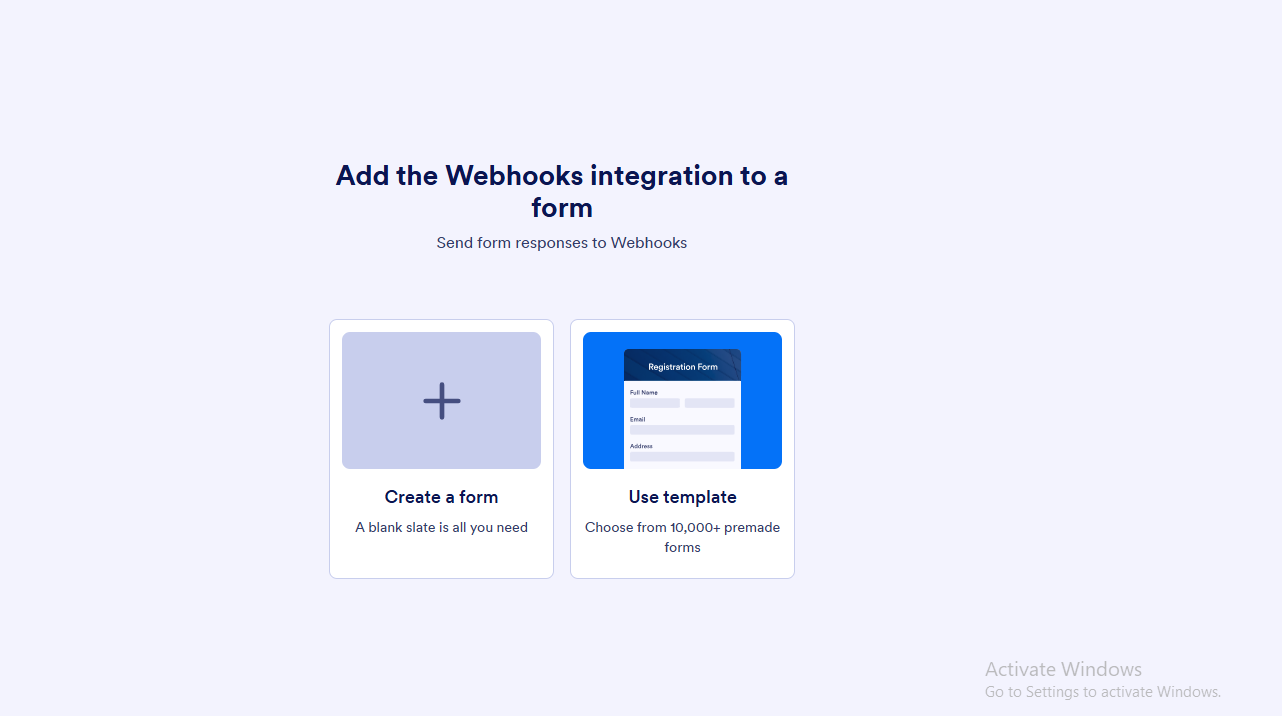
Step 6 Select your form or create a new one using templates
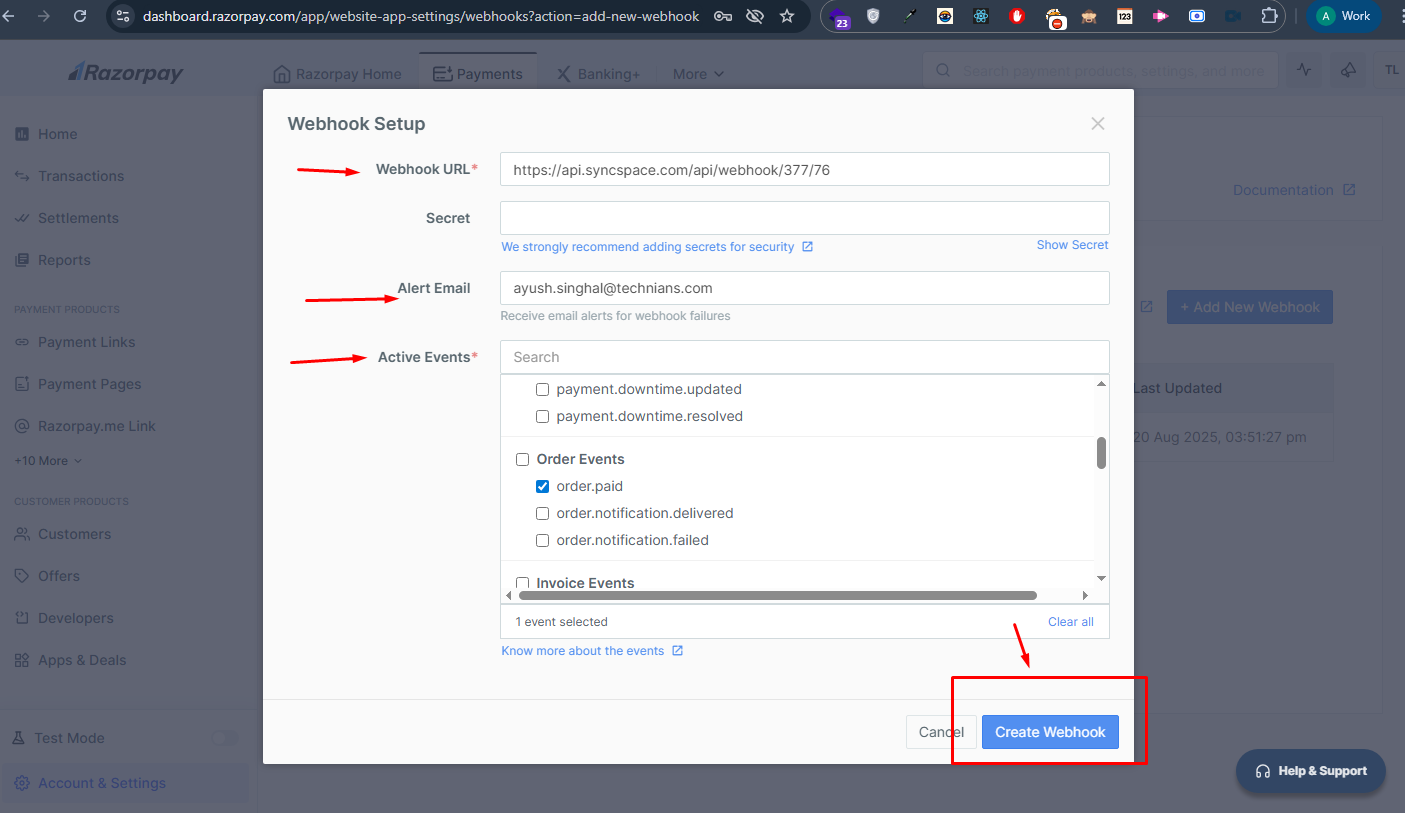
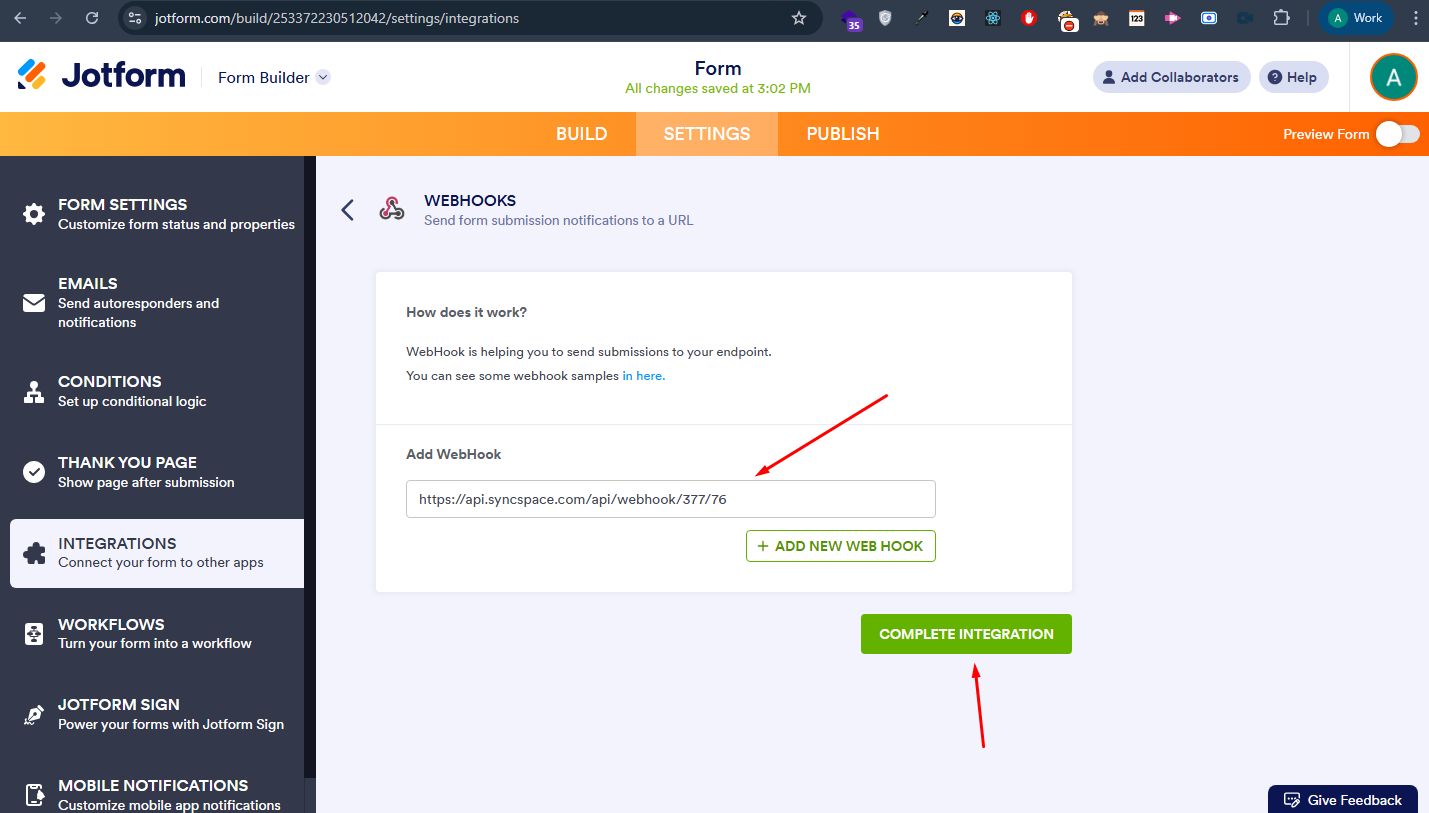
Step 7 Paste your webhook URL in the "Add WebHook" field and save the configuration.
Your webhook has now been added successfully.
Log in or Sign in to your Jotform Dashboard.
Go to Integrations from the top sidebar
Search for Webhook in search bar
Click on the Webhook section once you find it.
A new popup screen will appear, click the “Add to Form” button.
Select your form or create a new one using templates
Paste your webhook URL in the "Add WebHook" field and save the configuration.