Steps to Verify Webhook in MyOperator Account
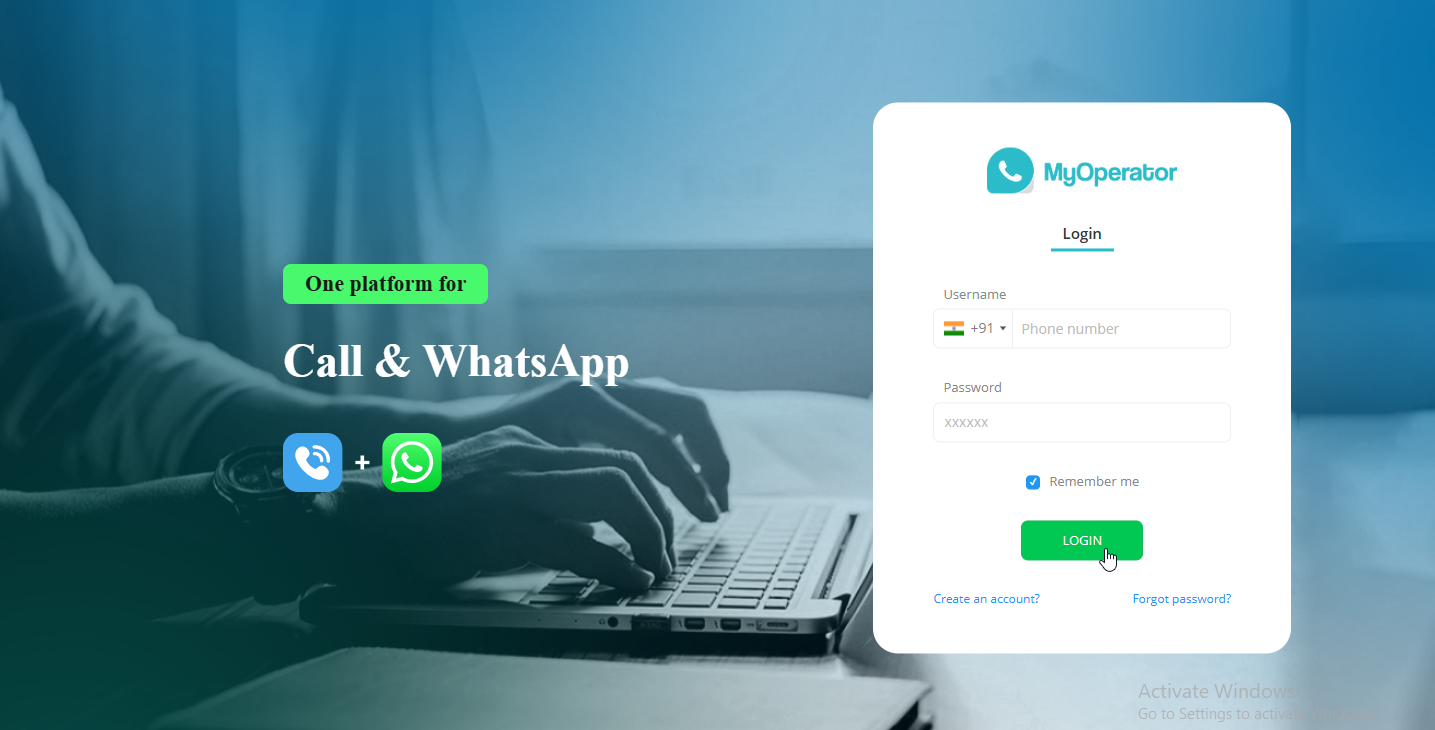
Step 1 Log into your MyOperator account and land on the dashboard.
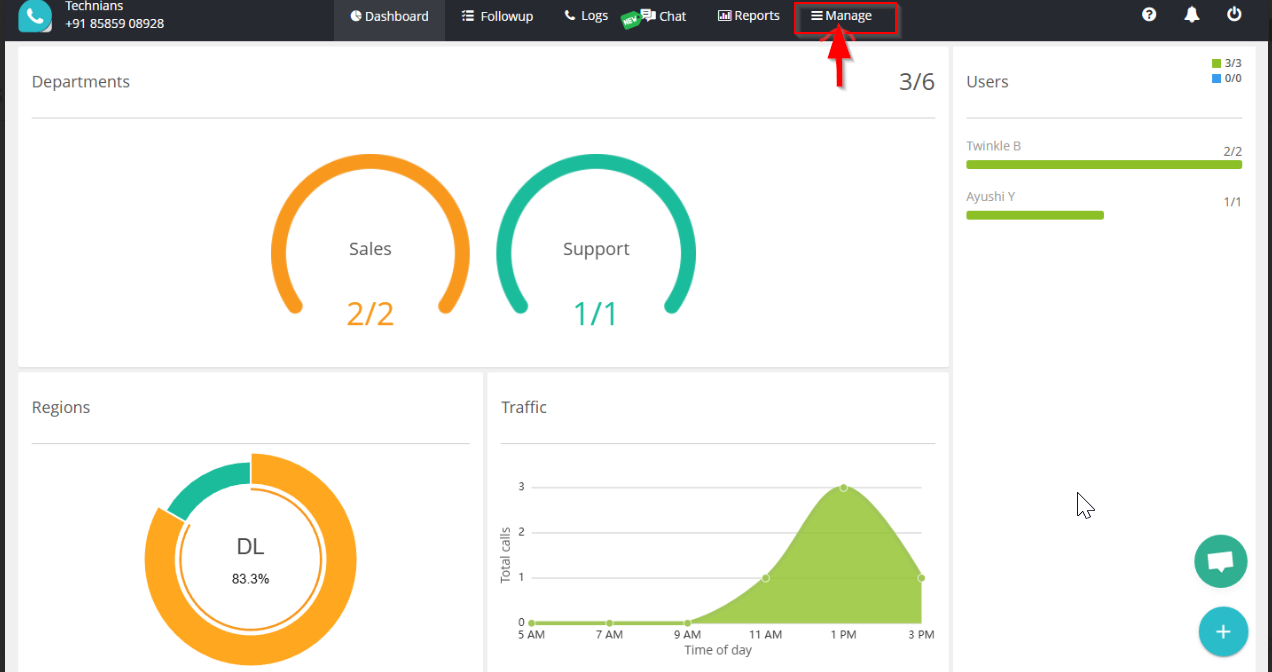
Step 2 On the top-right corner of the navigation bar, click on Manage.
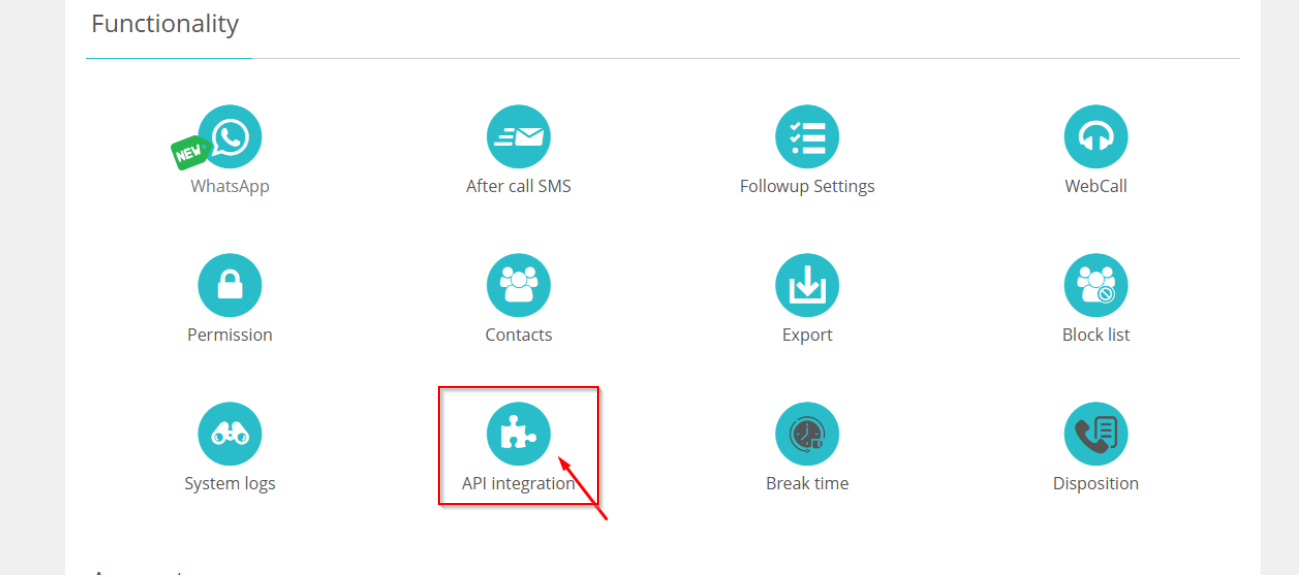
Step 3 Under the Manage section, click on API Integration.
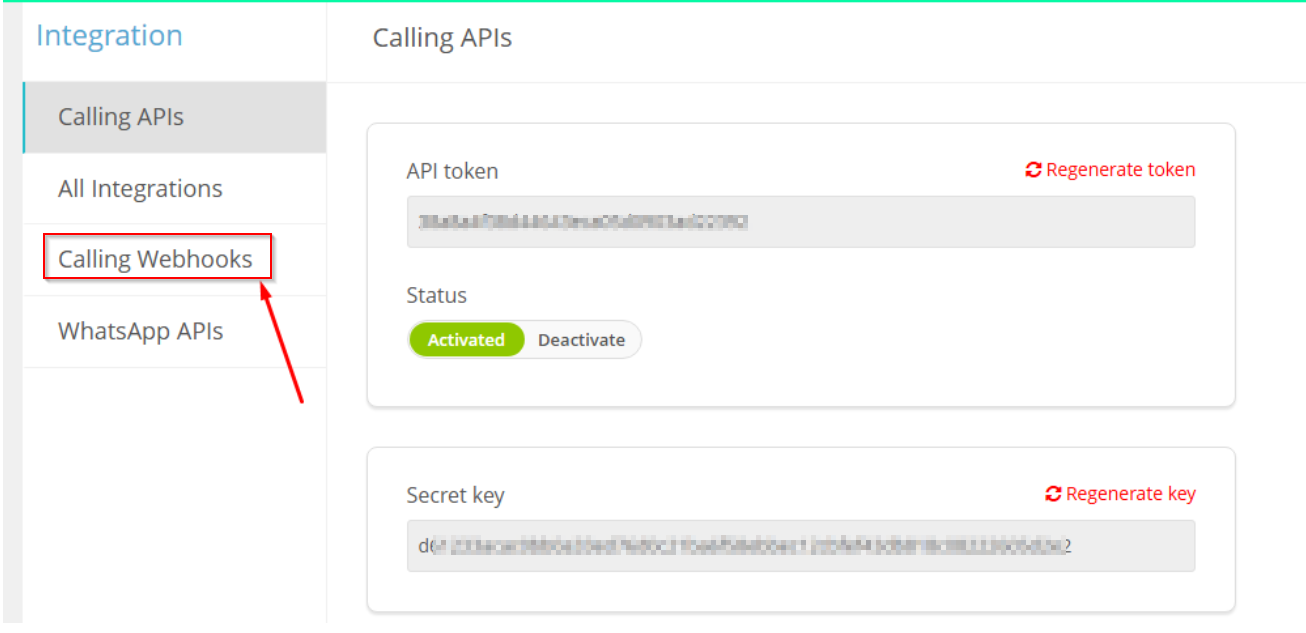
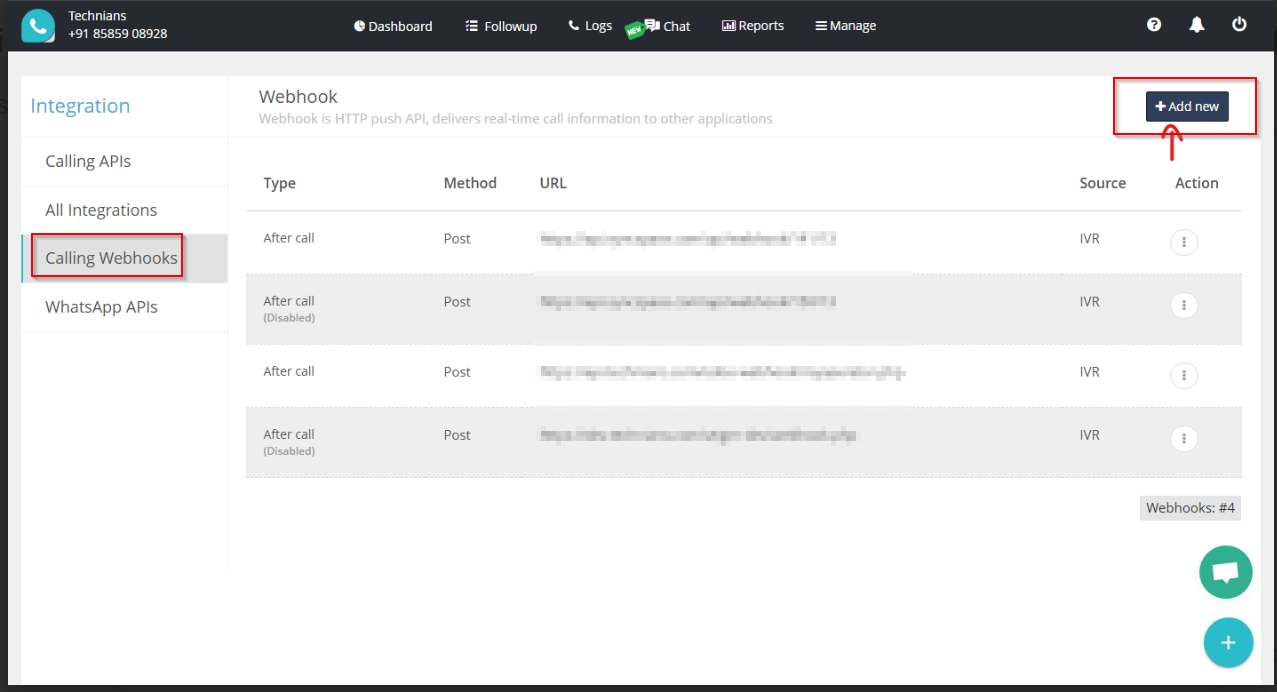
Step 4 On the left sidebar, click on Calling Webhooks.
Step 5 On the new page, click the “Add New” button located at the top-right.
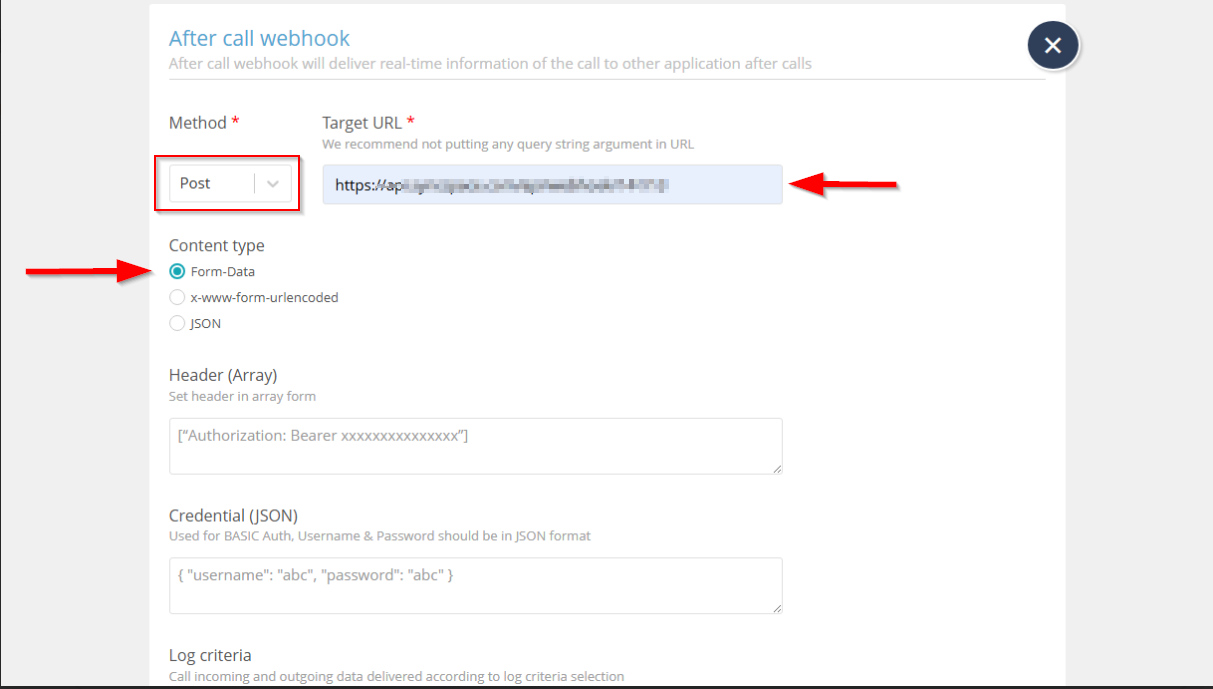
Step 6 Paste your webhook URL into the Target URL field.
📌 Note: Make sure to select POST as the method.
📌 Note: Choose form-data as the Content Type.
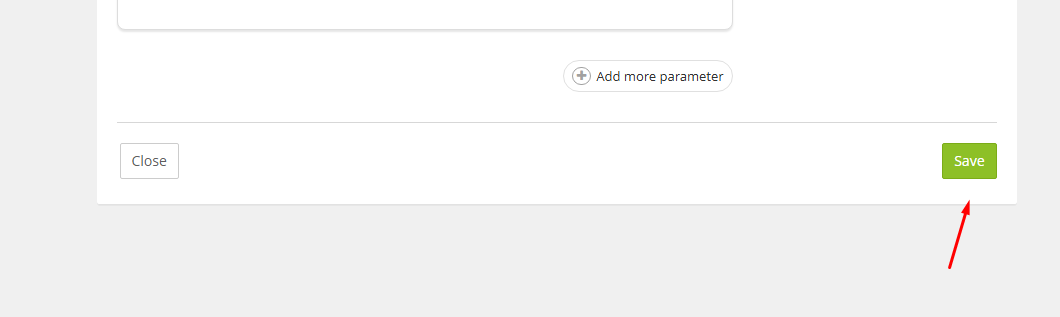
Step 7 click on “Save” to apply the changes
Step 8 To verify the webbook Call on your registered number through a number registered with your MyOperator account.
 Note:This step is mandatory to verify that the webhook is correctly configured and receiving data.
Log into your MyOperator account and land on the dashboard.
On the top-right corner of the navigation bar, click on Manage.
Under the Manage section, click on API Integration.
On the left sidebar, click on Calling Webhooks.
On the new page, click the “Add New” button located at the top-right.
Paste your webhook URL into the Target URL field.
click on “Save” to apply the changes
To verify the webbook Call on your registered number through a number registered with your MyOperator account.