Credentials guide
How to create Credentials for Sendgrid
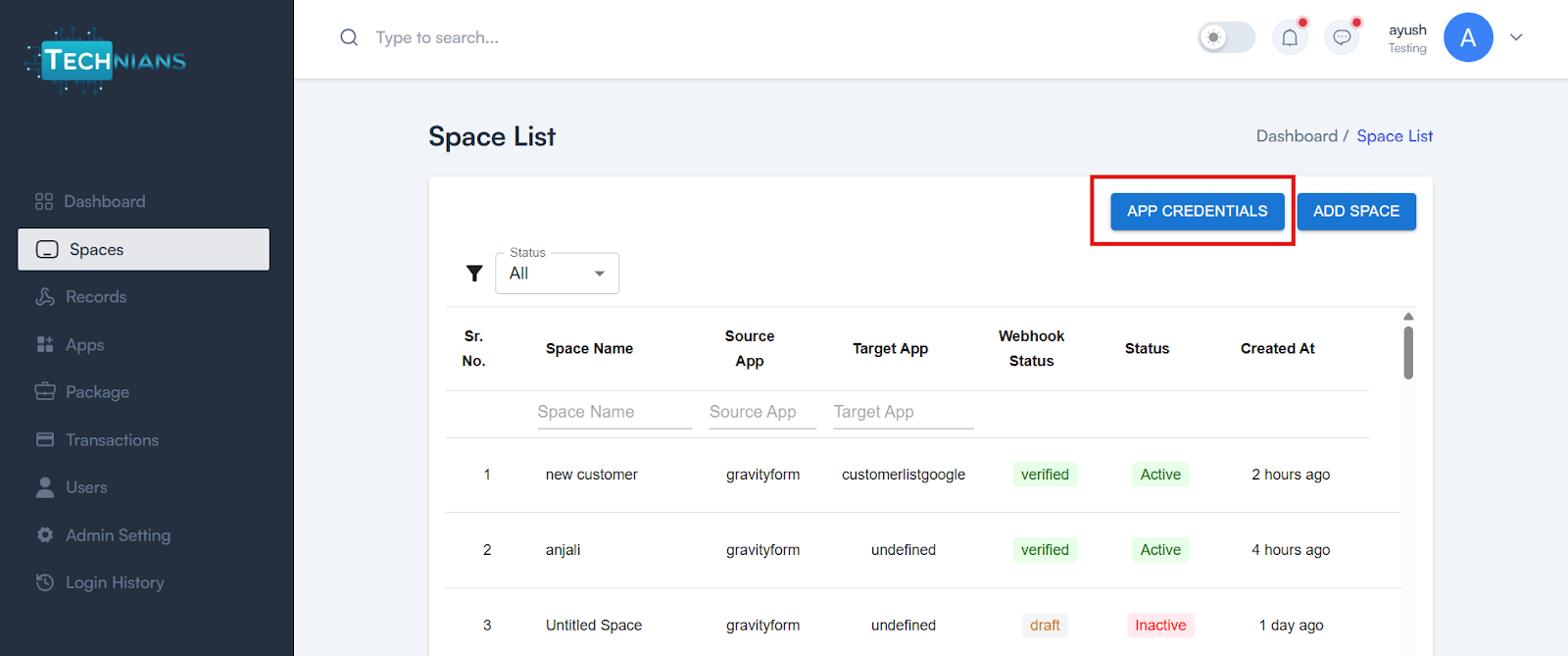
Step 1 Click on App Credentials
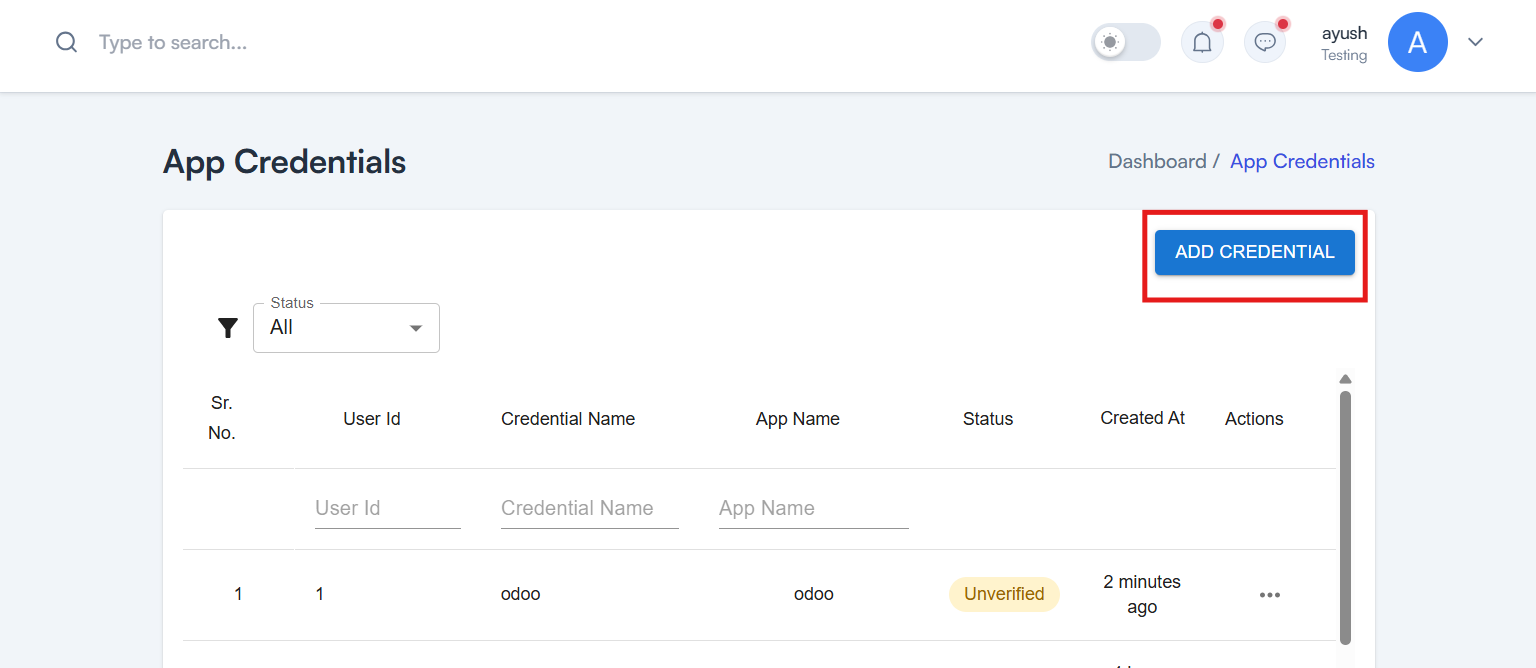
Step 2 Create a New Credential
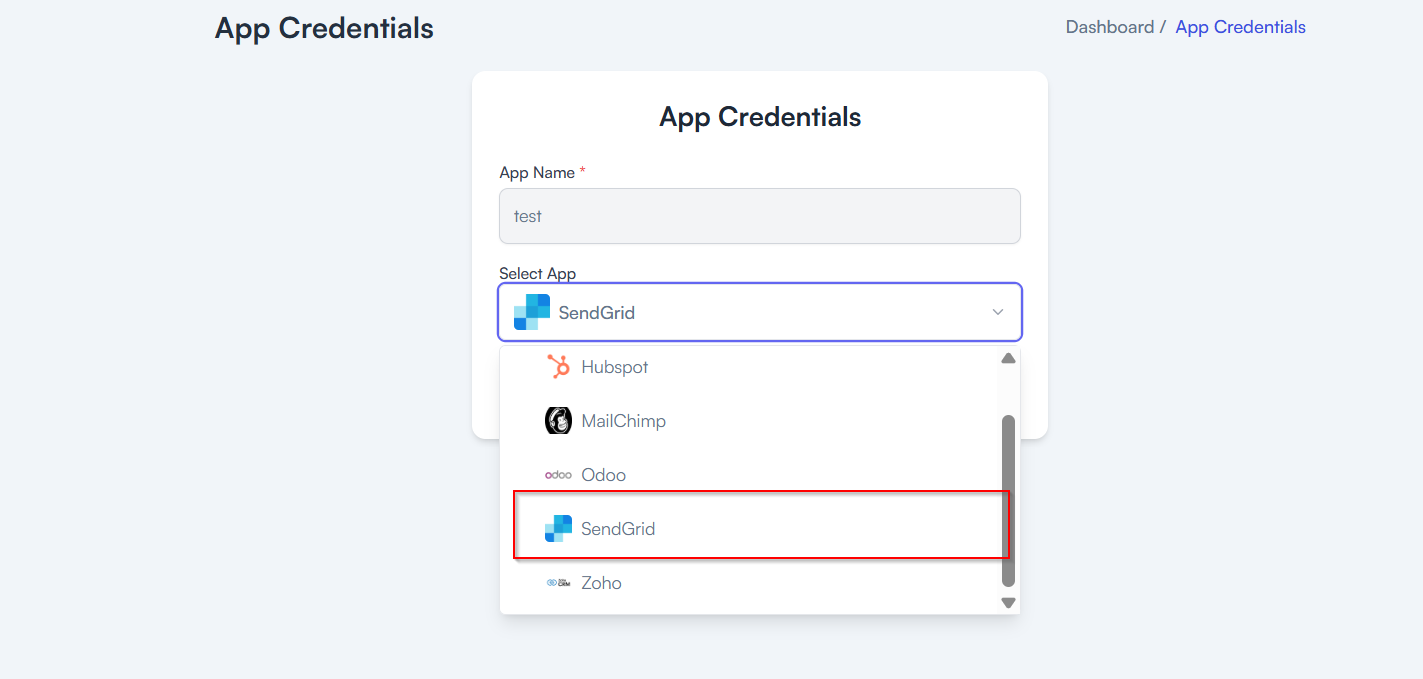
Step 3 Configure App details
- Add your App Name
- Select SendGrid from the Multiselect Dropdown
Step 4Add your SendGrid API Key
Steps to create api key in Sendgrid
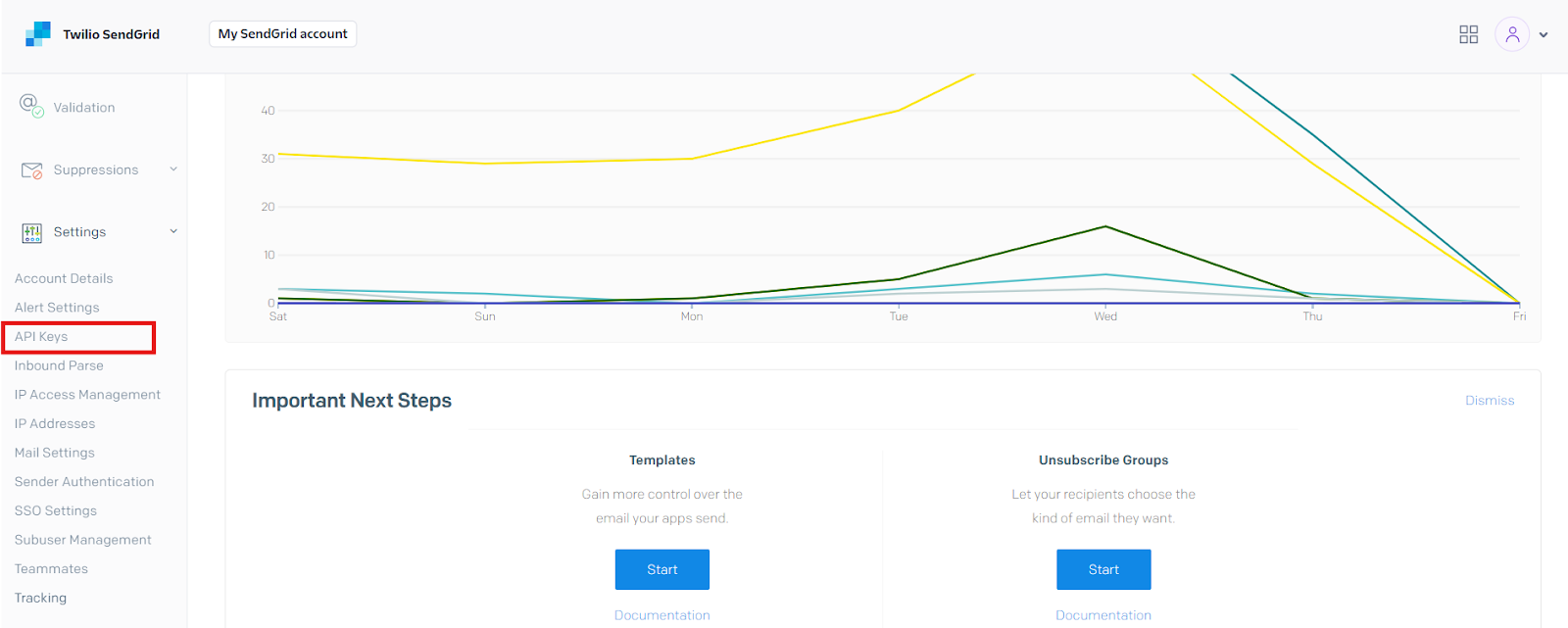
- Go to the SendGrid Dashboard and click on “API Keys” in the left sidebar.
- Click on “Create API Key”
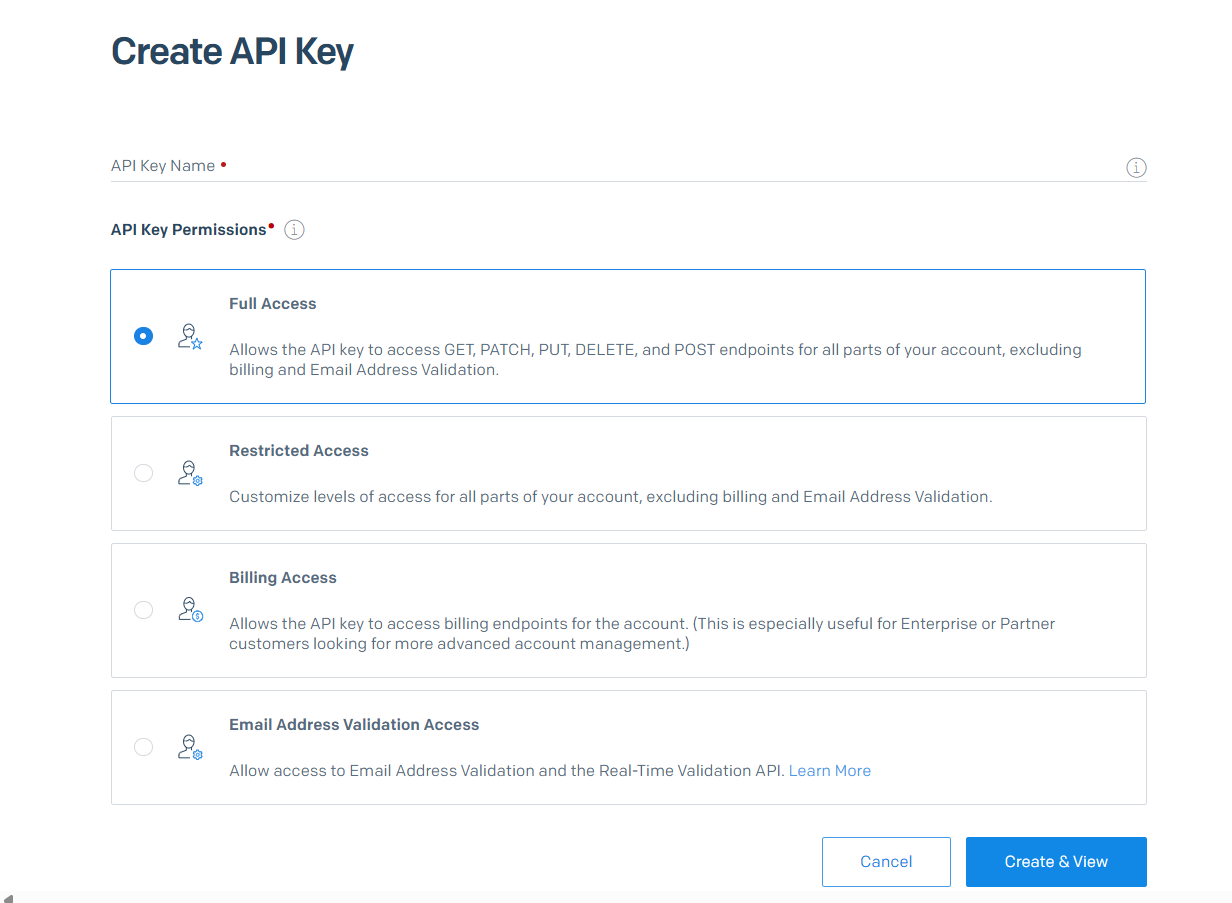
Step 5 Enter a name for your key, set the desired permissions, and click “Create & View”.
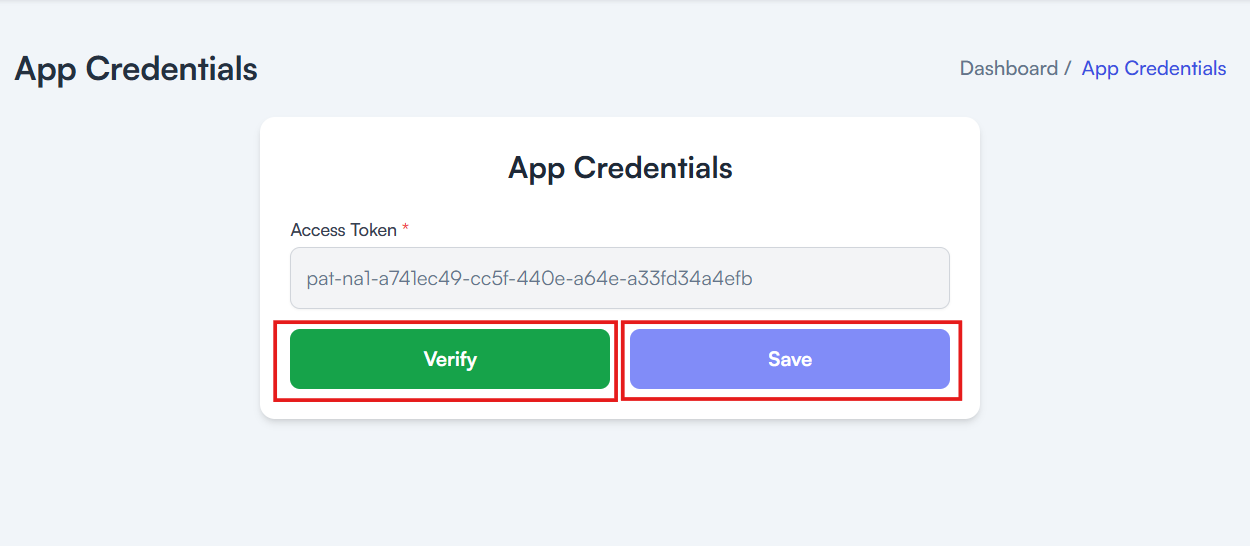
Step 6 Add your SendGrid API Key and click Verify then save it
Paste your Api key here